Learn languages through the Bible.

Vocabulary, pronunciation and comprehension in short lessons, with physical cards the app recognizes through the camera. Every lesson is also a devotional moment.

Coming soonApp StoreGoogle Play
How it works
  • Free to learn
  • No ads
  • Works offline

Try it now, no account needed:Start the first lessonRead today's devotional

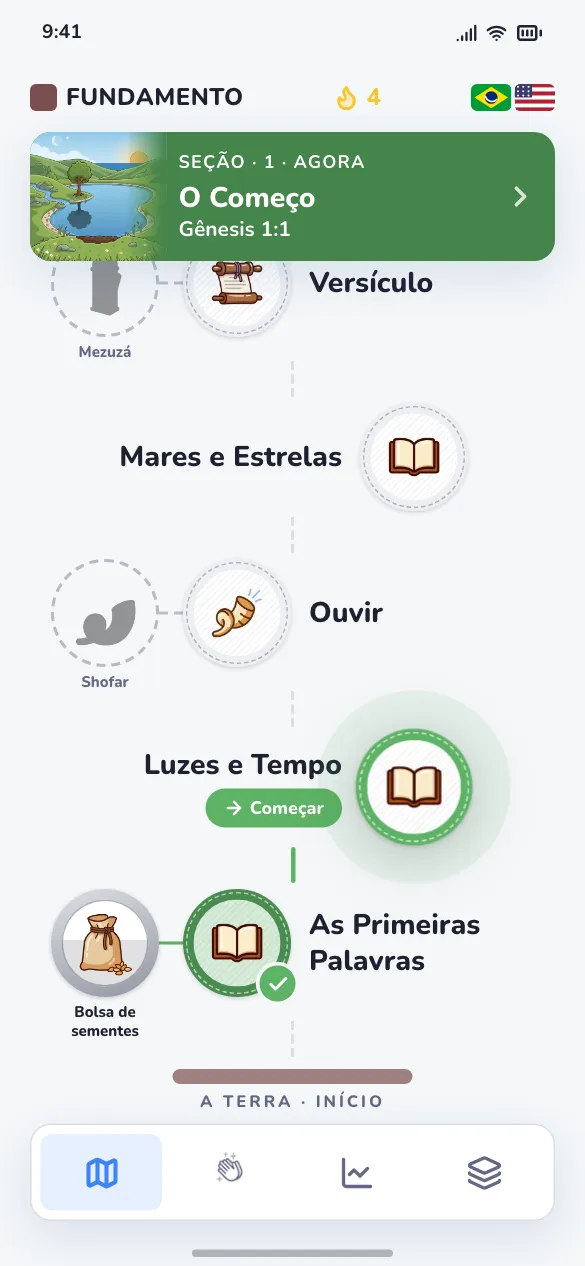
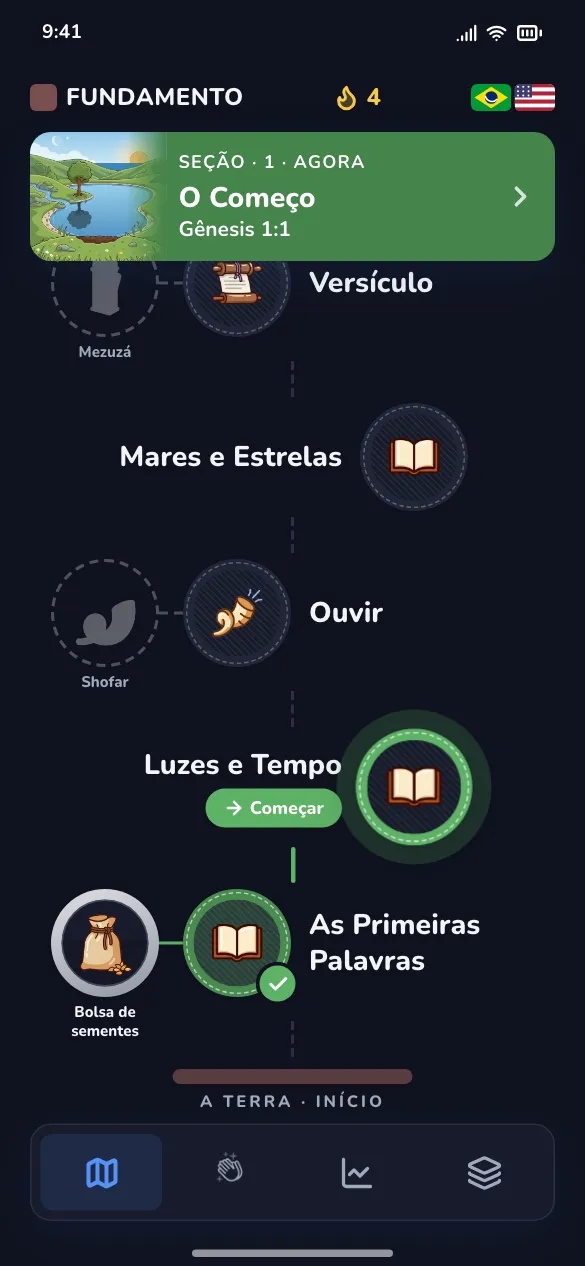
The Santolingo Journey in the appThe Santolingo Journey in the app
How it works

A simple path, every day

Choose a language pair, follow the Journey and use the cards whenever you like.

  1. 1

    Choose a course

    A language pair, such as Portuguese → English. The app downloads only what you chose and works offline.

  2. 2

    Study in short lessons

    Each section alternates learning and practice: choice, memory, spelling, listening and speaking.

  3. 3

    Use the physical cards

    Point the camera at a Santolingo card and it opens in the app, with audio, examples and exercises.

Features

The Word in the language you learn

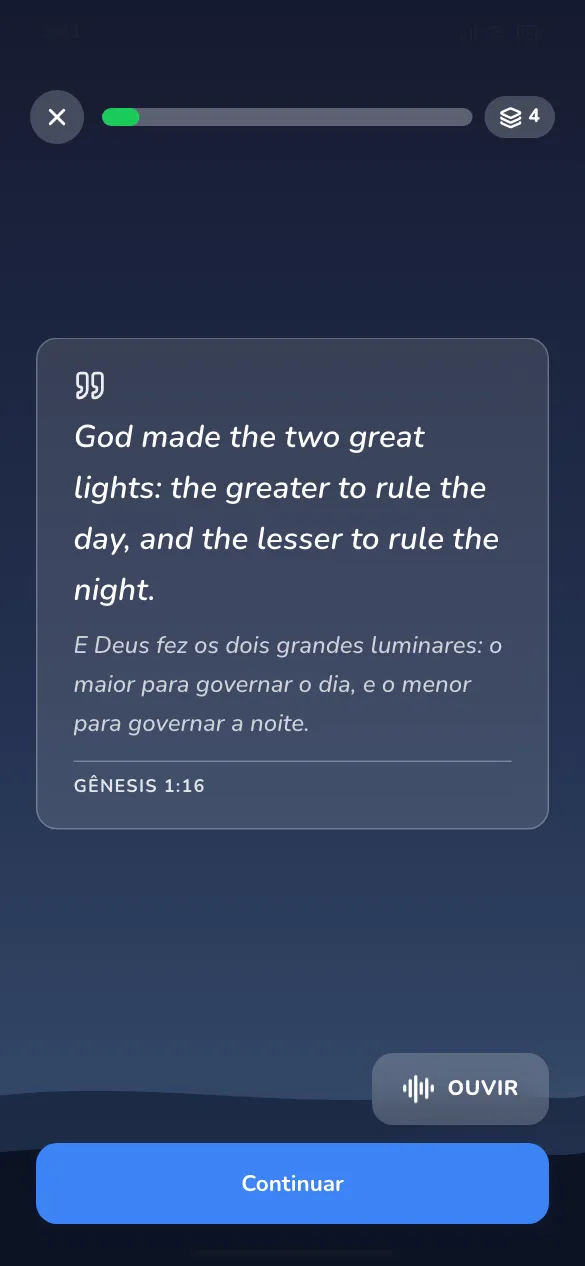
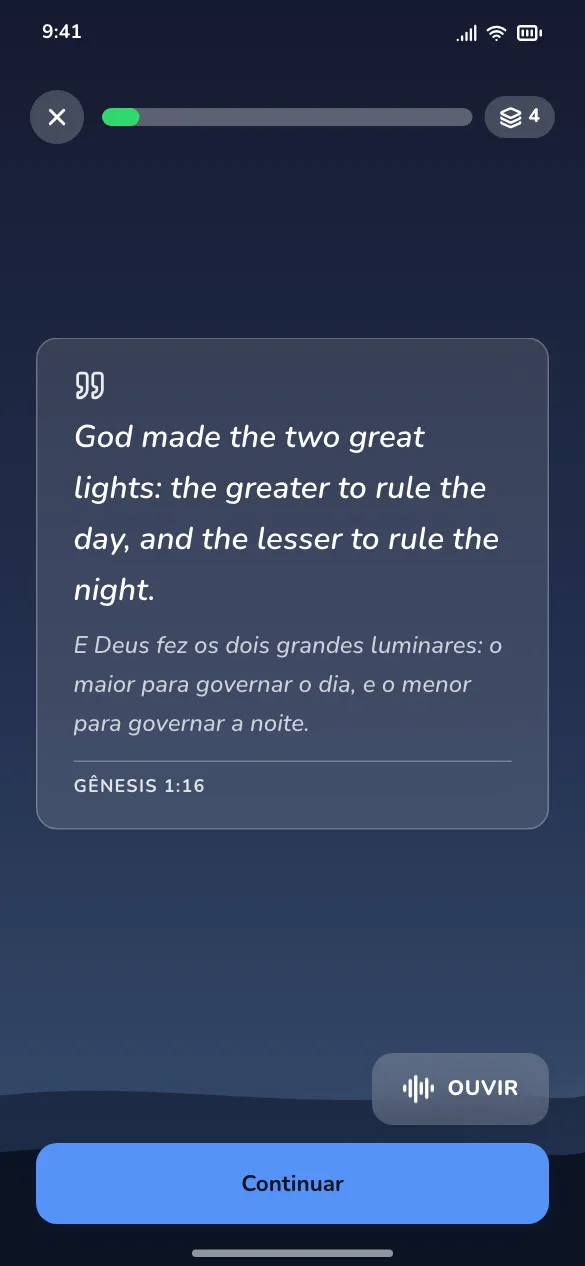
Bible verses and stories are the lessons themselves: you learn the language by reading, hearing and speaking Scripture.

  • Natural voices in the target language
  • Bilingual text when you need it
  • Reviews at the right time
Start the first lesson
The Word in the language you learnThe Word in the language you learn

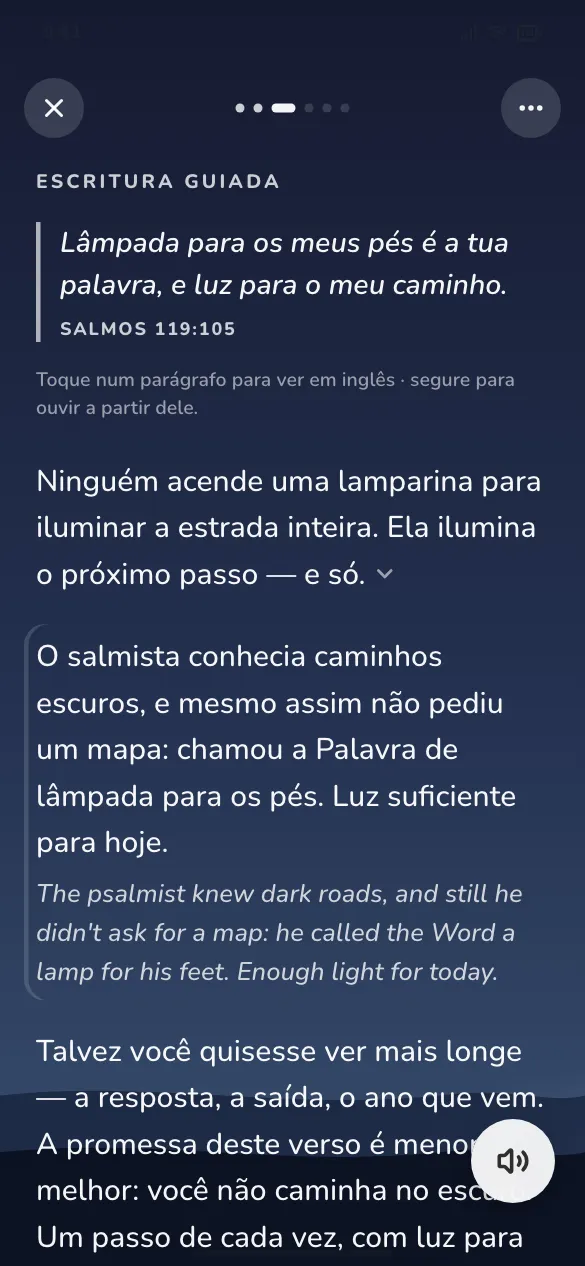
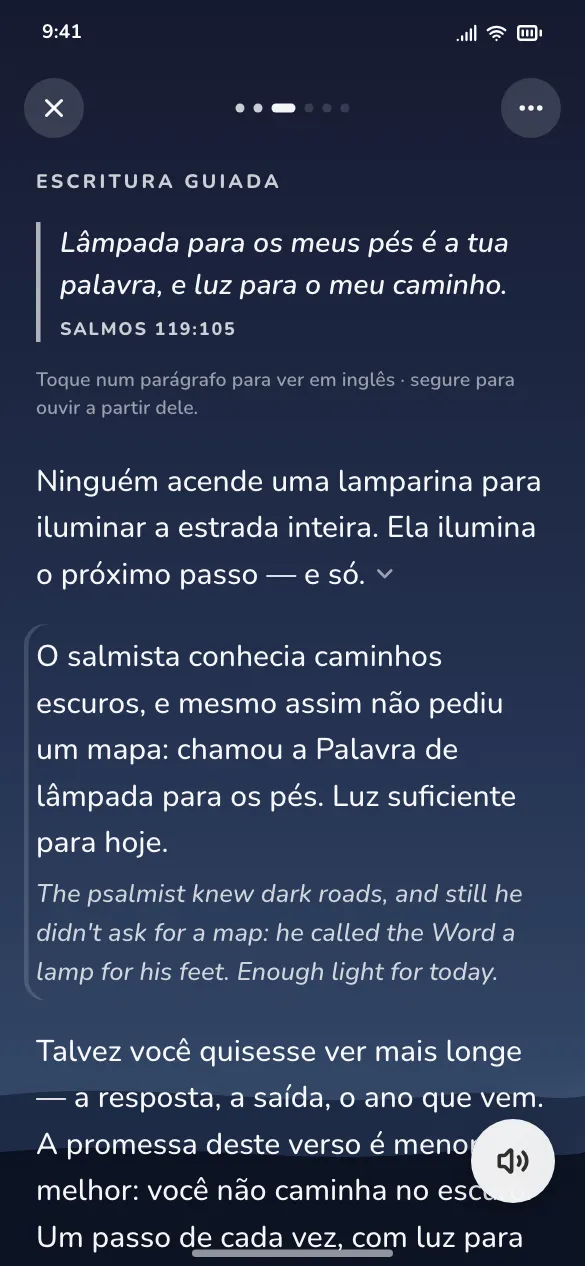
A devotional every day

A verse, a short reading and a reflection, every day of the year, in the language you are learning.

  • 366 days, no repeated verse
  • Listen in a natural voice
  • Home screen widget
Read today's devotional
A devotional every dayA devotional every day

Cards that come alive

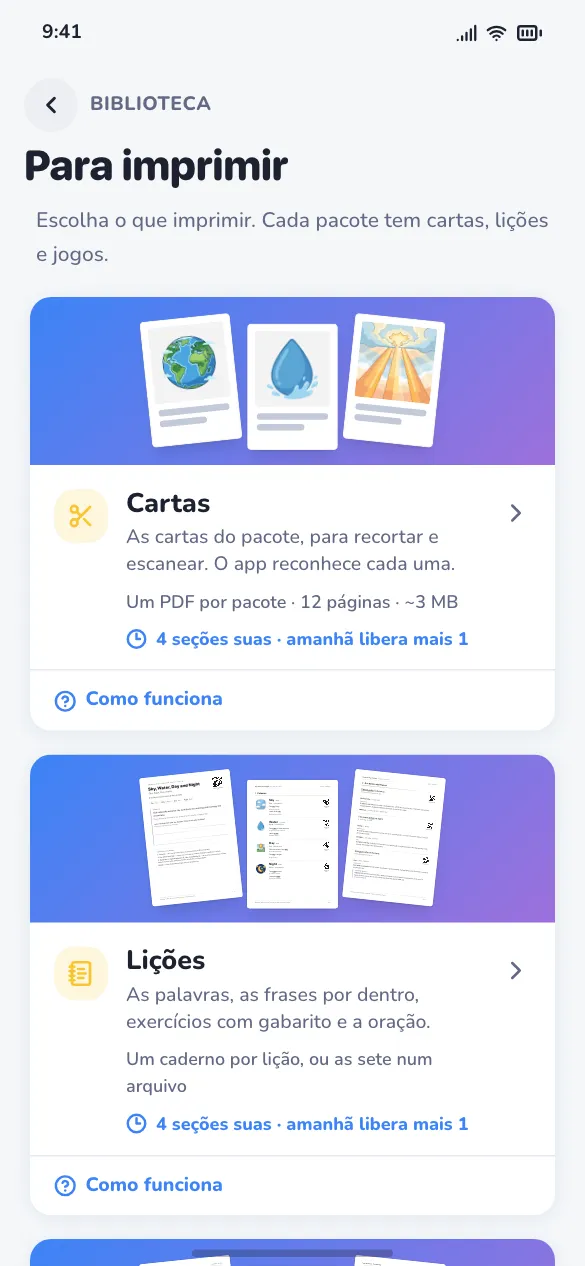
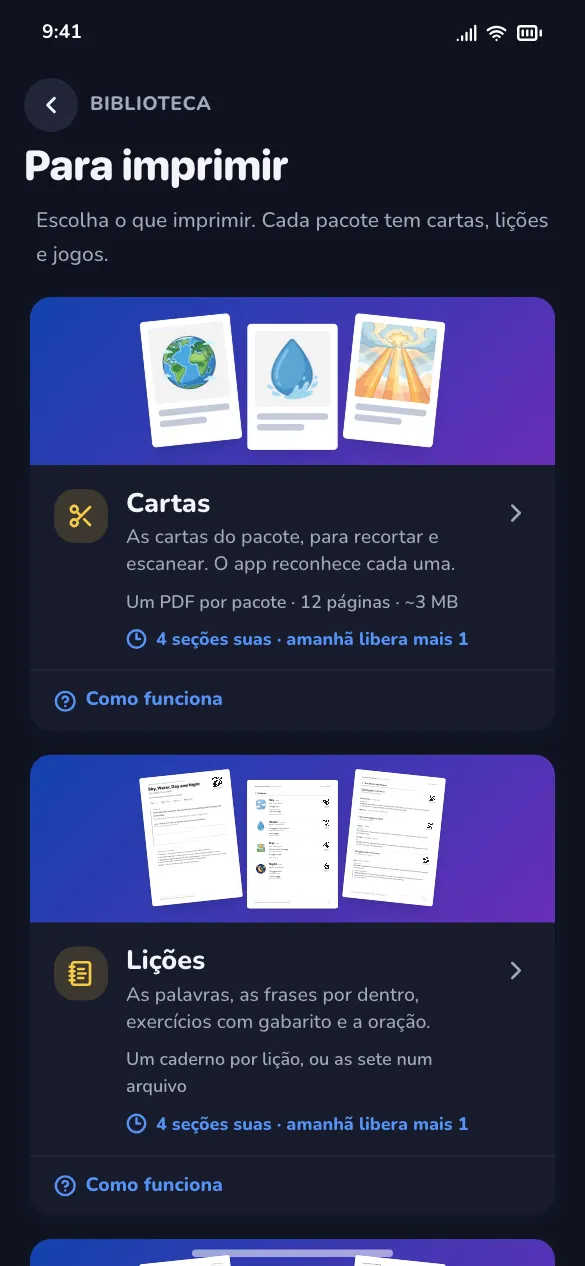
Print the cards at home or use printed ones: the app recognizes each card through the camera and opens audio, examples and exercises.

  • Printable PDFs
  • Lesson notebook
  • Recognition on your device
Cards that come aliveCards that come alive
Where to use it

On your phone, every day. On your computer, whenever you like.

iPhone & Android

This is where Santolingo is complete: the course stays on your device and you study wherever you are.

  • Works offline
  • Physical cards through the camera
  • Home screen widget
Coming soonApp StoreGoogle Play

On your computer too

Santolingo Web opens in your browser, with the same account and the same progress as the apps, and it was made for a keyboard and a big screen. Some parts are still on their way there; on your phone, the app is still the best way.

Open Santolingo Web

Santolingo Plus. Free to download and to learn. Santolingo Plus gives unlimited daily activities and unlocks the printable files.

See the plans

Frequently asked questions

Do I need an account?

No. The account is optional. Without one, everything you study stays on your device. With one (Apple or Google, no password), your progress is saved and goes with you to another phone.

Is Santolingo free?

Yes, to download and to learn, and without ads. Santolingo Plus, monthly or yearly, gives unlimited daily activities and unlocks the printable files.

Does the app work offline?

Yes, after downloading the content of the course you chose. The internet is only used to download and update content.

Can I use it on a computer?

Yes, with Santolingo Web, in your browser, using the same account as the apps. The first lesson and today's devotional open without an account; everything else asks you to sign in.

Which languages can I learn?

Portuguese, English, Spanish and French, in pairs among them.

Visit the help center →

Start your walk today

Short lessons, the Word in the language you learn and a devotional every day.

Coming soonApp StoreGoogle Play